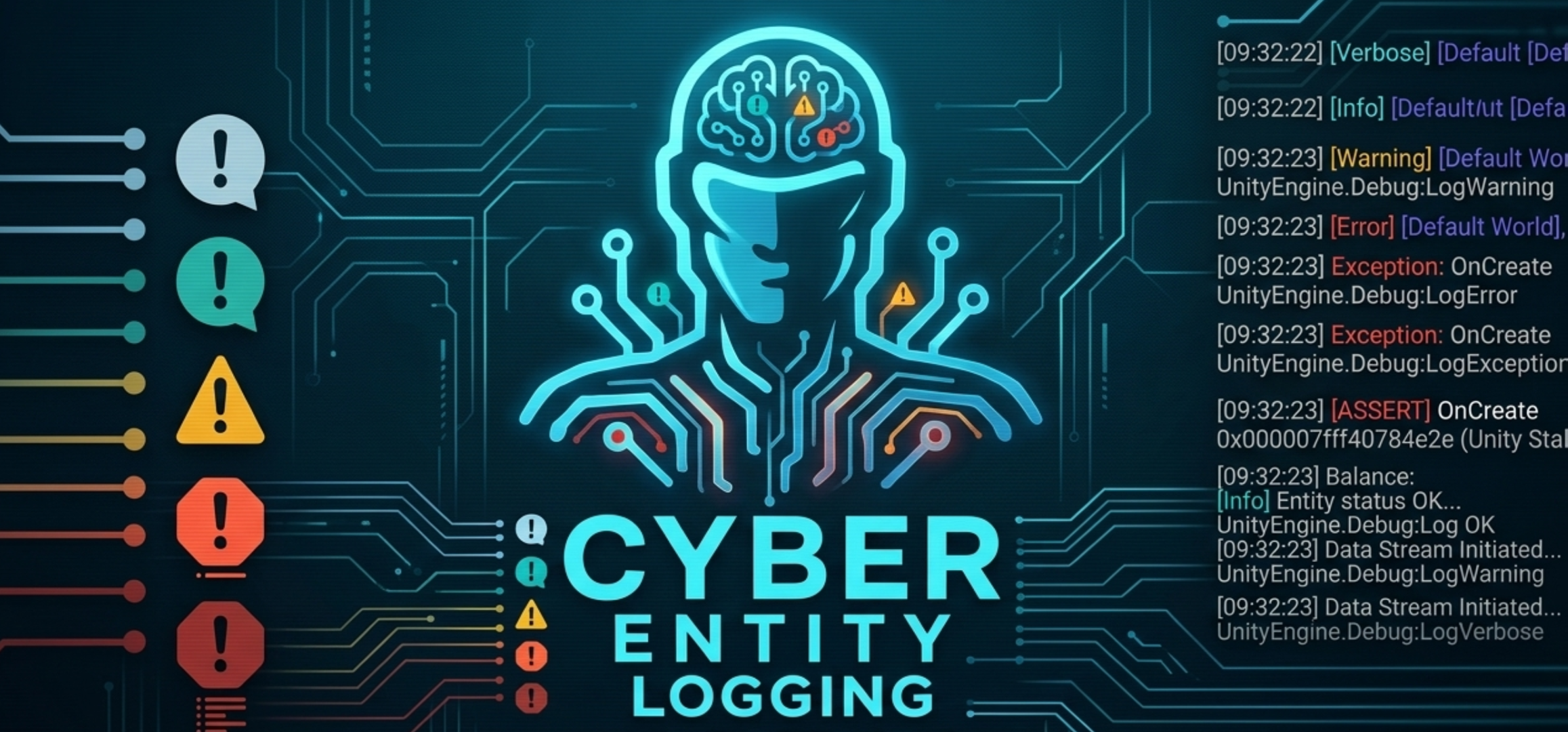
About CyberEntity Logging
Use the CyberEntity Logging package to manage and filter logs in Unity projects, including ECS-based systems. For example, use to set different logging levels for development and production builds, or to filter out noisy logs from specific systems. The CyberEntity Logging package also includes deferred logging support for Burst-compatible ECS systems.
Installing CyberEntity Logging
To install this package, follow the instructions in the Package Manager documentation.
In the Editor, the following resource can be created automatically when the logger initializes:
- Logging Settings: a Settings asset will be created at
Resources/Logging. - You can also import it, open the Package Manager, select the CyberEntity Logging package,
and import the Logging Settings sample. Move the imported
Settingsasset to the folderResources/Logging.
Using CyberEntity Logging
CyberEntity Logging provides a centralized way to manage application logs.
Note: Go to Readme for usage details.
Configuration
To configure the logging behavior:
- Open the Logging window by going to
Window > CyberEntity > Logging. - Start logging and the list will fill automatically.
- (Optional) Create or locate a Settings asset (see Installing CyberEntity Logging).
- (Optional) Select the asset to view its properties in the Inspector.
- (Optional) Choose an Environment preset (Editor, Development, QA, Staging, or Production) to automatically set recommended log levels and stack trace types.
Technical details
Requirements
This version of CyberEntity Logging is compatible with the following versions of the Unity Editor:
- 6000.3.20 and later
The Logging Settings system depends on the following project packages:
| Dependency | Purpose |
|---|---|
com.unity.burst |
Required for Burst-compatible ECS logging paths. |
com.unity.collections |
Required for fixed-string and native collection support used by ECS logging. |
com.unity.entities |
Required for ECS systems and deferred logging. |
com.unity.mathematics |
Required by the ECS/DOTS package set. |
com.unity.ext.nunit |
Used by package tests. |
com.unity.test-framework |
Used by package tests. |
Known Limitations
CyberEntity Logging version 1.0.0 includes the following known limitations:
- CyberEntity Logging complements Unity's built-in Console and does not replace it.
- The runtime settings asset must be available at
Assets/Resources/Logging/SettingsProperties.asset; automatic asset creation is Editor-only. - Deferred logging requires
DeferredLoggingSystemto be active in an ECS world. - Deferred logging is queued and flushed by an ECS system, so entries may appear with a slight delay and can be lost if the application crashes, exits, or the ECS world is disposed before flushing.
- When deferred logging is disabled, ECS/Burst overloads write directly to Unity logging and do not use CyberEntity world/system filtering.
Log.ExceptionandLog.Assertare managed-only and cannot be called from Burst-compiled code or jobs; useLog.Errorwith theSystemStateorFixedStringoverloads instead.Log.ExceptionandLog.Assertbypass world/system filtering and the global minimum level; they are controlled only by their define symbols, andLog.Assertadditionally depends on Unity'sUNITY_ASSERTIONSsymbol.- Filters are name-based; renaming worlds, classes, systems, source files, or manually supplied class names can create new filter entries.
- Stack trace configuration changes Unity Player stack trace settings for the selected build target and can affect logs outside this package.
- Compile-time stripping define symbols are applied per selected build target group; verify settings after switching target platforms.
- CyberEntity Logging does not provide cloud logging, remote telemetry, analytics, crash reporting, file logging, external log storage, persistent log history, or a searchable runtime log database.
- Runtime log visibility depends on Unity/player logging settings and may differ between Editor and builds.
- Console messages use Unity rich-text formatting; appearance may differ in player logs, external log viewers, or tools that do not render Unity rich text.
- Tested primarily in the Unity Editor on Windows.
Package contents
The following table indicates the important folders in this package:
| Location | Description |
|---|---|
Runtime/Logging |
Contains the core logging API, settings definitions, and ECS deferred logging utilities. |
Editor/Logging |
Contains editor-only scripts, including the custom inspector for logging settings and build-time stripping logic. |
Samples~/Examples |
Contains examples demonstrating runtime and ECS logging. |
Samples~/Settings |
Contains a pre-configured settings asset that can be imported into your project. |
Document revision history
| Date | Reason |
|---|---|
| August 15, 2026 | Document created. Matches package version 1.0.0. |